Apple brings touch to MacBook Pro: what buyers should check first
Apple announced a MacBook Pro with a PROLED XDR display on October 28, bringing touch input to the Mac. It is a major change in how the company presents its professional laptop, and an obvious talking point for Americans comparing a new computer with the one already on their desk.
Apple announced a MacBook Pro with a PROLED XDR display on October 28, bringing touch input to the Mac. It is a major change in how the company presents its professional laptop, and an obvious talking point for Americans comparing a new computer with the one already on their desk.
The most useful question is what touch adds to an actual working day. Selecting something directly on a screen may feel natural; editing a long document still calls for a comfortable keyboard and pointing device. A new interaction method becomes valuable when applications make it useful, rather than merely offering another way to click.
For prospective buyers, the announcement creates a practical comparison exercise. Check the exact model, display specification, ports, memory and storage before comparing prices. Similar product names can hide meaningful differences. A photograph of an older Mac is also not evidence of what the new display looks like in person.
Our take: hands-on reviews should matter more than launch-day excitement. Look for tests of reflections, text clarity, battery life and the ergonomics of reaching across the keyboard. For creative work, ask whether the applications you actually use support the interactions that interest you. A compelling demonstration is only the beginning of that answer.
If your current laptop still handles your projects well, the announcement gives you a new option rather than an automatic reason to replace it. If you are already shopping, write down the three tasks your next machine must improve and compare models against those tasks. Would you use a touchscreen Mac every day, or would the keyboard remain the center of your workflow?
One useful hands-on comparison is to repeat the same short task with touch, a trackpad and keyboard shortcuts. Notice which method feels precise and comfortable after several repetitions, rather than judging it only by how novel the first attempt feels.
Source: Apple Newsroom. Source date: 2026-10-28. Brief prepared October 30, 2026.
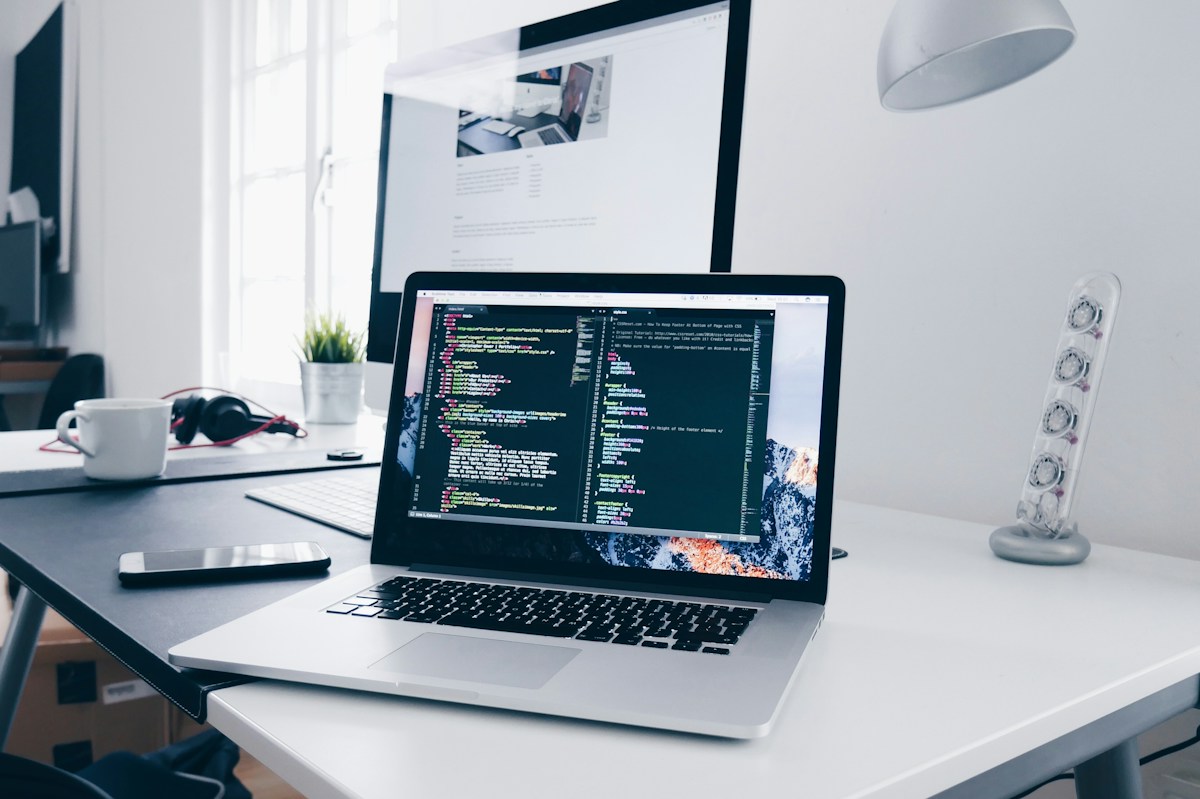
Illustrative stock photograph; not a photograph of the reported event. Photo source; Unsplash License.
0 views

Chirvy Editor
Editorial account for Chirvy.
Replies 0
Log in to join the conversation.
It is quiet here. Be the first to reply.